01
"We retype it into Excel."
Figures from PDFs, e-mails, and spreadsheets, with every supplier using a different format.

Software reads PDFs, e-mails, and spreadsheets, extracts the data, and puts it in one structure. Where it is unsure, it flags the field for review. A person makes the decision.
Discuss an initial assessmentThese four sentences come up most often. If they fit you, you are on the right page.
01
Figures from PDFs, e-mails, and spreadsheets, with every supplier using a different format.
02
The information exists, but it sits in one document out of a thousand.
03
Only the person who has done it for years can do it. When they are ill, the work stops.
04
Volume grows faster than the team, and the manual process no longer holds.
100%
document-type detection
97%+
mandatory fields correct
~40 s
p95 time per document
One receipt becomes accurate fields, Excel rows and an expense document for accounting. Start the demo and watch the data appear step by step.
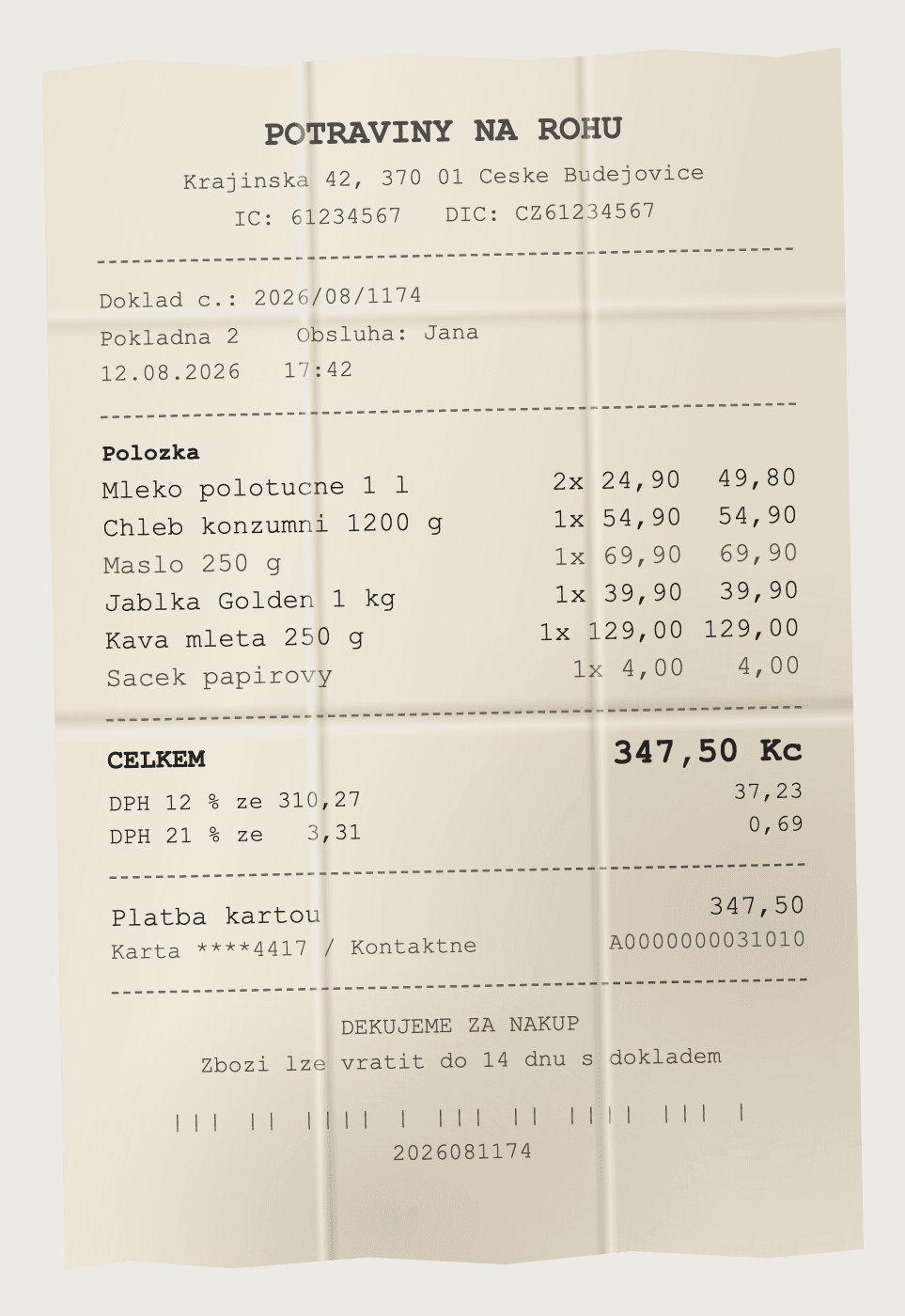
The receipt is printed and flat. This is paper someone filled in with a pen, put on a table and photographed. The crosses run over the edges, the handwriting does as it pleases and the photo is askew. This is what people actually bring us.
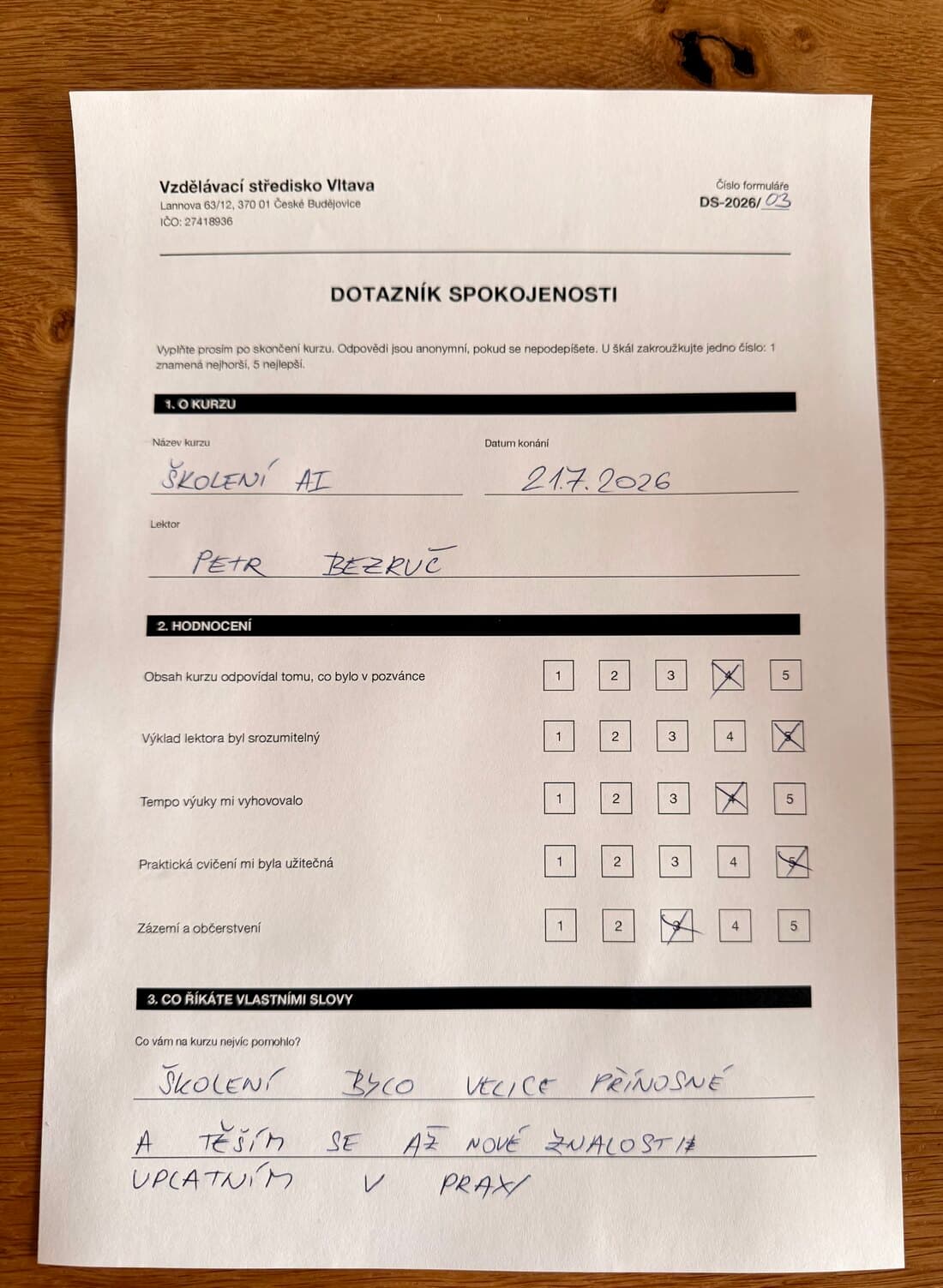
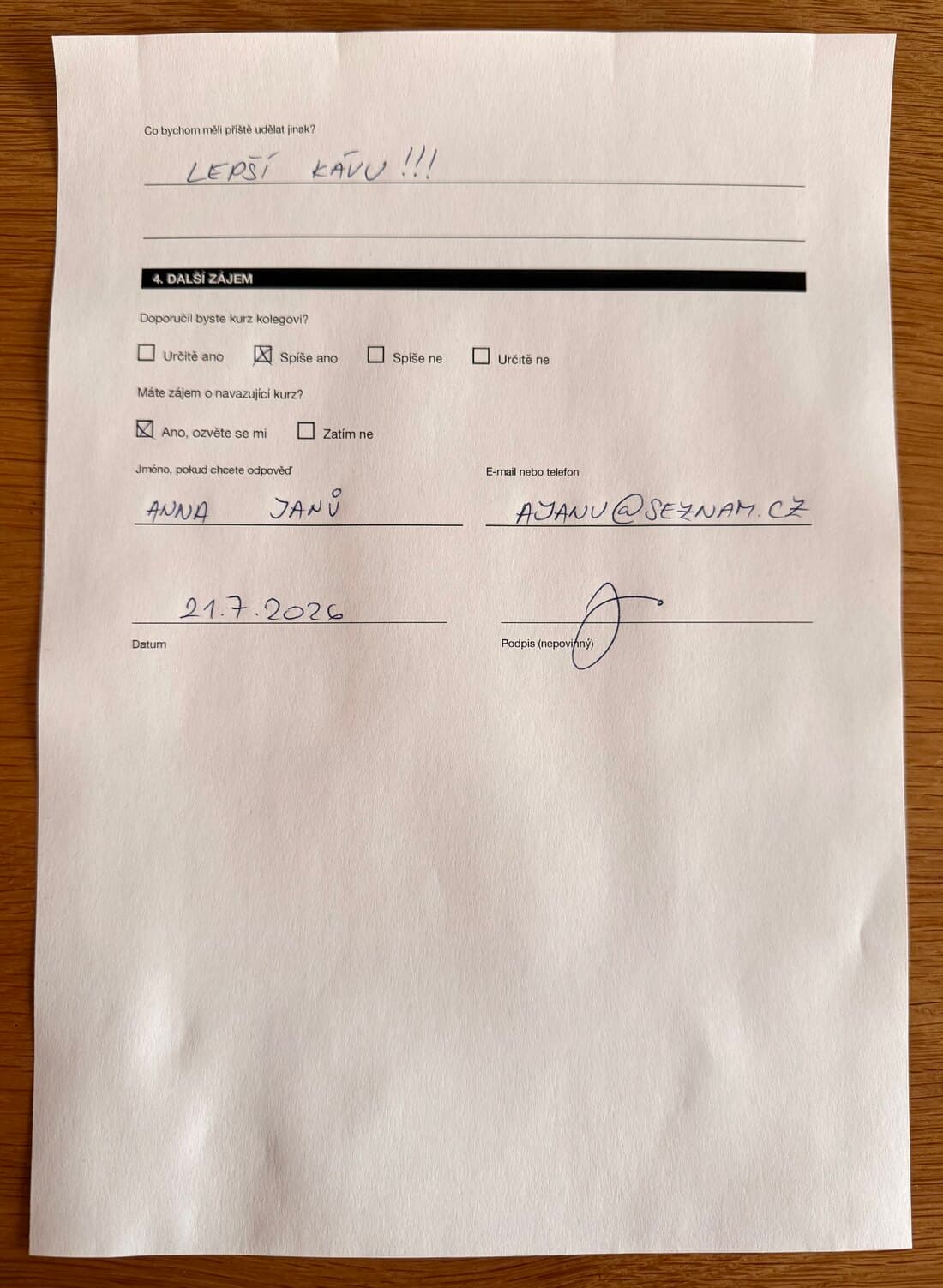
Software takes over reading and retyping. A person still decides where the result needs review.
The model returns data in one structure. It can handle several document types, languages, and page layouts.
A review screen shows the PDF next to the extracted data. You can fix unclear fields on the page, and the system records each change.
Approved data goes into your Excel template, CRM, ERP, or another system. You do not need to copy it again.
The model runs on AWS Bedrock in Frankfurt, with the database in the EU. Your documents never leave the European region.
Each step proves the result before we widen the scope.
We take a sample and measure how many documents the software gets right. The result shows what is worth building.
We start with one document type and one output. You see the result before we add more cases.
We connect your CRM, ERP, database, or spreadsheet template. Then we add checks, error handling, and measurement for normal traffic and peaks.
We add more document types and outputs according to production results, not the original wish list.
OCR turns an image into text. A language model can also select the needed fields and put them into one structure. It handles several layouts and languages and marks fields with low confidence.
That is why a person reviews the result. The system marks unclear fields so you can correct them before use.
The model runs on AWS Bedrock in the Frankfurt region, and the database sits in the EU with row-level access control. Your documents stay in the European region.
Yes. We tested the extraction on documents in English, Chinese, and Polish with different layouts. We test each new type on your samples first.
We start with an assessment of your own documents. We measure what the current process costs you and define what software should take over and what stays with a person. Scope and price follow from what we find.
The result gives you the facts needed to decide on the implementation.
Show us a few typical documents. We will tell you what can be extracted and how to prove the value with your data.
Discuss an initial assessment